Themenfuhrer
Spielen
Die Bilder sind Beispiele. In der App lernst du das komplette Thema mit Deutsch als Fuhrung.
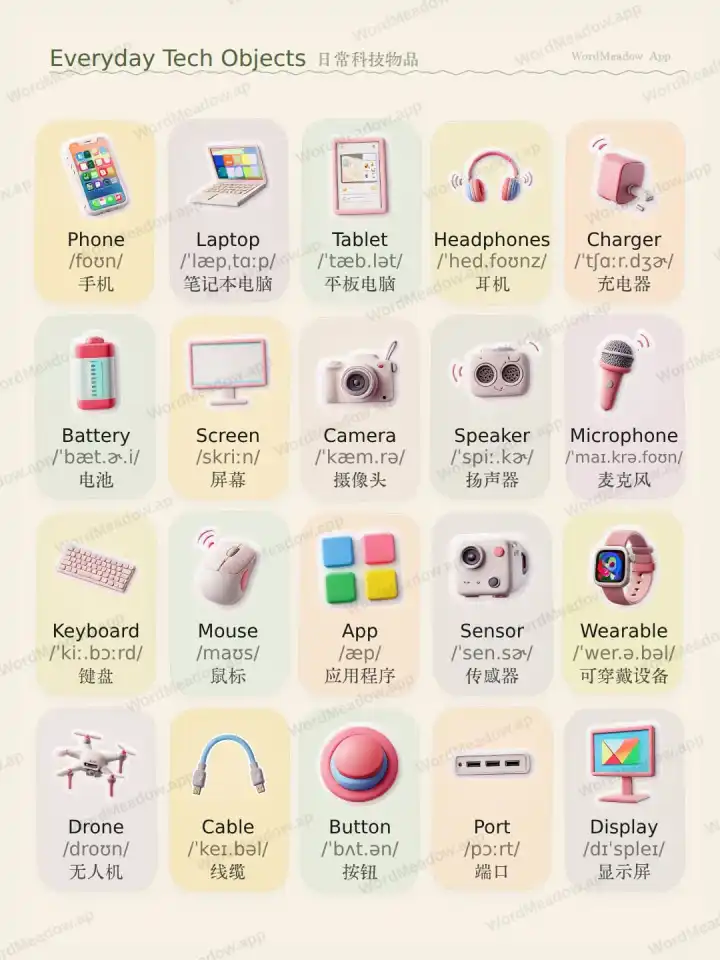
Themenvideo
Video: Everyday Tech Objects
Sieh dir diese Themenkarte mit Deutsch-Fuhrung und Englisch-Wortschatz an.Wortschatzliste
Sieh dir Worter, Aussprache, Ubersetzungen und Beispielsatze an.Phone
Handy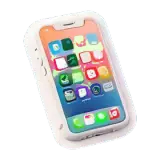
/foʊn/She checked the phone before leaving for work.Sie steckte das Handy in die Jackentasche.
Laptop
Laptop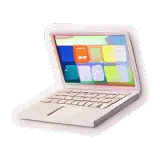
/ˈlæpˌtɑːp/He carried his laptop in a slim bag.Er nahm den Laptop mit ins Büro.
Tablet
Tablet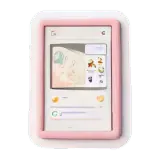
/ˈtæb.lət/She uses her tablet to read articles on the train.Sie liest auf dem Tablet einen Artikel.
Headphones
Kopfhörer
/ˈhed.foʊnz/Please put on your headphones during the video call.Bitte setz die Kopfhörer während des Anrufs auf.
Charger
Ladegerät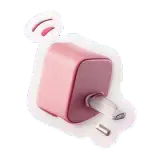
/ˈtʃɑːr.dʒɚ/I forgot my charger, so my phone battery ran low.Ich habe mein Ladegerät zu Hause vergessen.
Battery
Akku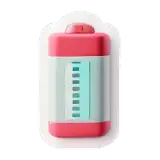
/ˈbæt.ɚ.i/The battery lasted all day on a single charge.Der Akku hält den ganzen Tag.
Screen
Bildschirm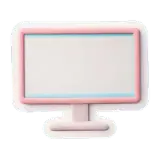
/skriːn/The screen is bright enough to read outdoors.Der Bildschirm ist auch draußen gut lesbar.
Camera
Kamera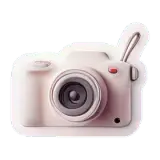
/ˈkæm.rə/The camera on this phone takes clear night photos.Die Kamera macht klare Fotos bei Nacht.
Speaker
Lautsprecher
/ˈspiː.kɚ/The speaker filled the room with warm sound.Der Lautsprecher klingt warm und klar.
Microphone
Mikrofon
/ˈmaɪ.krə.foʊn/She moved closer to the microphone before speaking.Sie sprach direkt in das Mikrofon.
Keyboard
Tastatur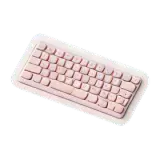
/ˈkiː.bɔːrd/He typed the password on the keyboard.Er tippte das Passwort auf der Tastatur.
Mouse
Maus
/maʊs/Use the mouse to click the icon on the left.Klick mit der Maus auf das Symbol links.
App
App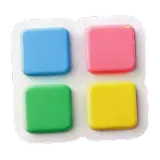
/æp/I opened the app to check the weather.Ich öffnete die App, um das Wetter zu prüfen.
Sensor
Sensor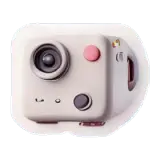
/ˈsen.sɚ/A sensor detects movement in the hallway.Ein Sensor erkennt Bewegung im Flur.
Wearable
Wearable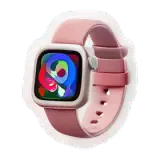
/ˈwer.ə.bəl/Wearable devices can track steps and heart rate.Ein Wearable kann Schritte und Puls messen.
Drone
Drohne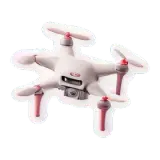
/droʊn/A drone flew over the field to take photos.Eine Drohne flog über das Feld und machte Fotos.
Cable
Kabel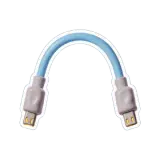
/ˈkeɪ.bəl/The cable connects the monitor to the computer.Das Kabel verbindet den Monitor mit dem Computer.
Button
Taste
/ˈbʌt.ən/Press the button to start the recording.Drücke die Taste, um die Aufnahme zu starten.
Port
Anschluss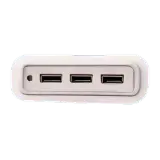
/pɔːrt/This laptop has two USB ports on the side.Dieser Laptop hat zwei USB-Anschlüsse an der Seite.
Display
Anzeige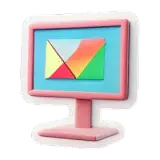
/dɪˈspleɪ/The display shows the battery level clearly.Die Anzeige zeigt den Akkustand deutlich an.
Get the WordMeadow app for the full study flow
More themes, tap-to-listen practice, saved words, short readings, and spelling exercises come together in the app.
More themesListen and repeatSaved reviewSpelling practice
 Open on the App Store
Android is coming
Use the iOS version for now. The Android download entry will appear here when it is ready.